This week, we learnt something more on the application layer. It is called spreadsheet. The Microsoft Excel and Zoho Spreadsheet are examples of spreadsheet applications.
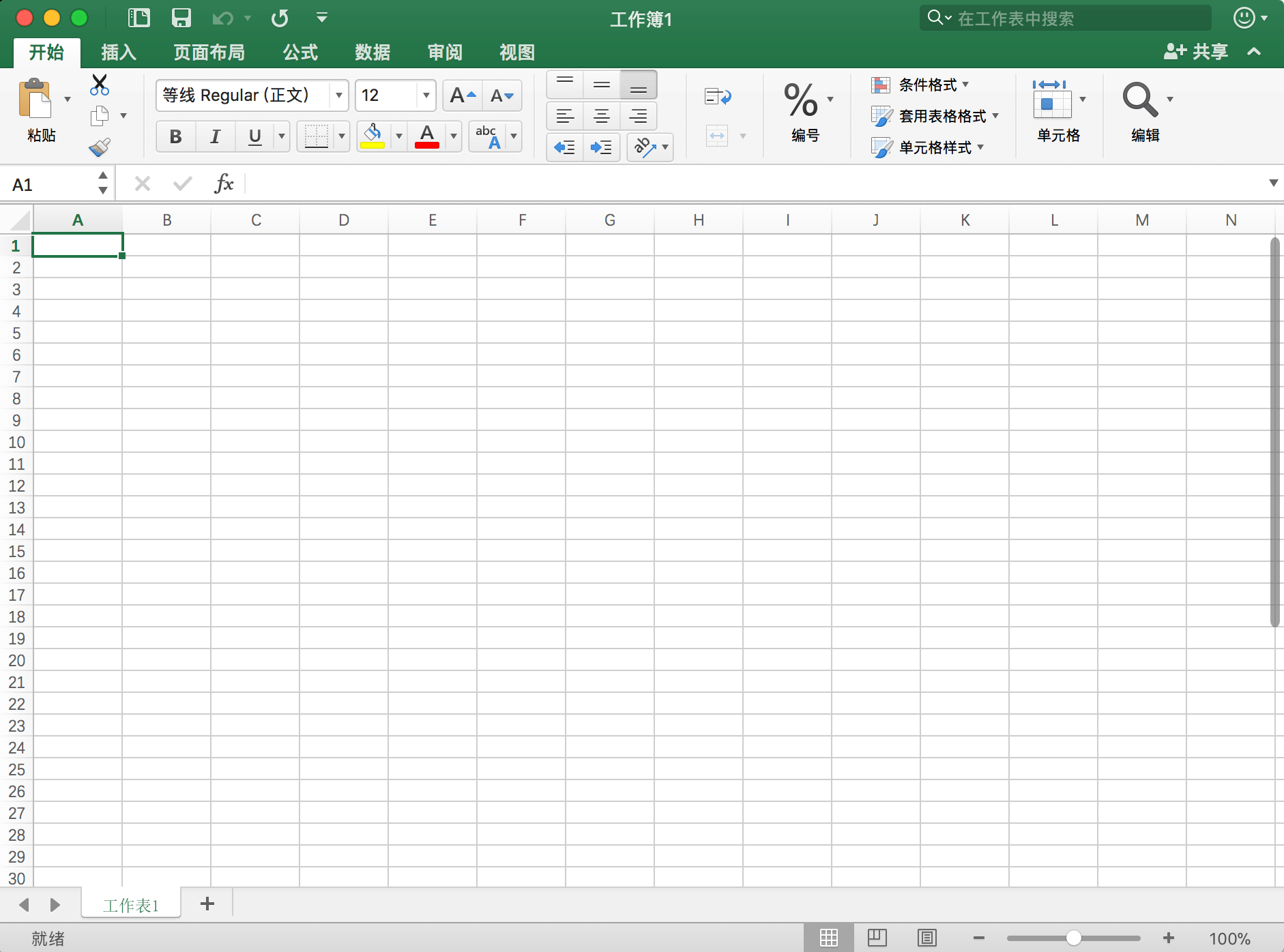
The first thing we talked about was the definition of spreadsheet. It is basically a table with rows and columns, and it is usually used to store and analyze data. There are many spreadsheet software existing, while Microsoft Excel and Zoho Sheet are two example around us.
Spreadsheet is extremely popular in our daily life. Almost every office worker uses spreadsheet to analyze data. For example, when we want to calculate the total money during donation, we can input the amount of money each time people donated and the time that this amount of money was donated. With functions, we can easily get the total amount of money.
Then we created our own page in online spreadsheet application: Zoho Spreadsheet, and input our grades, which were actually fake, into certain units. When we want to locate a cell, we can simply insert the location code of the cell into the box on the top left corner of the window. Inserting some made-up data beneath categories simple, and spreadsheet application could do far more that this. As a result, Mr. Pete introduced the function system to us, which make the whole application really powerful and popular.
The first function we learnt was the random function. Using this function, we can generate a set of random data for further experiment. 
Next came the sum and average function, which could help us to calculate the sum and average number of a series of data quickly. With these functions, we calculated our random “grades” and got the average number of them.
The next function was the if function. If we want to know the specific meaning of our grade or which level we are at after inputing our grades, we can use an “if” function to present the standard.
Knowing the average number was not enough. In IB, we need to know our grade out of 7, but not 100. To get the grade out of 7, I wrote a piece of code, which was a little bit different with the one Mr. Pete taught us in the next class.

By the end of the second class, Mr. Pete asked each of us to come up with a sentence, following the previous sentences written by others. The story made up by our class was about the poor student, Binary, who had language difficulties with his classmates and even teachers. When combining all the sentences together, a function called “concatenate” are used. 
During the class, Mr. Pete also gave us some challenging functions and asked us to work them our on our own. For example, and “or” function could tell weather there is anything true in the argument listed; “and” function could tell weather all of the argument provided are true; “count” would count the number of cells in a certain range, while “counta” counts the number of non-empty cells in a range…
Anyway, spreadsheet is really a powerful and useful tool in our daily life. Next week, we are going to start a project with our chemistry teacher, Miss Elicia, using both spreadsheet skills and chemistry knowledge. I’m looking forward to it😋
 JIHONG ZHAO