These weeks, we learnt about how to make graphic interface on Java.
Graphic Class and Paint Method
The first concept we learn is Graphics class, which provides methods to draw shapes (lines, rectangles, ovals), text on the window and set colors. The main body of the codes is basically constructed of “pubic void paint (Graphics g){super.paint(g);}”. Inside the {}, we can write out codes. Two basic methods are draw and fill; the former one draw the outline of a shape, while the latter draw the shape with colors filled.
Exercise: Draw a Bar Chart
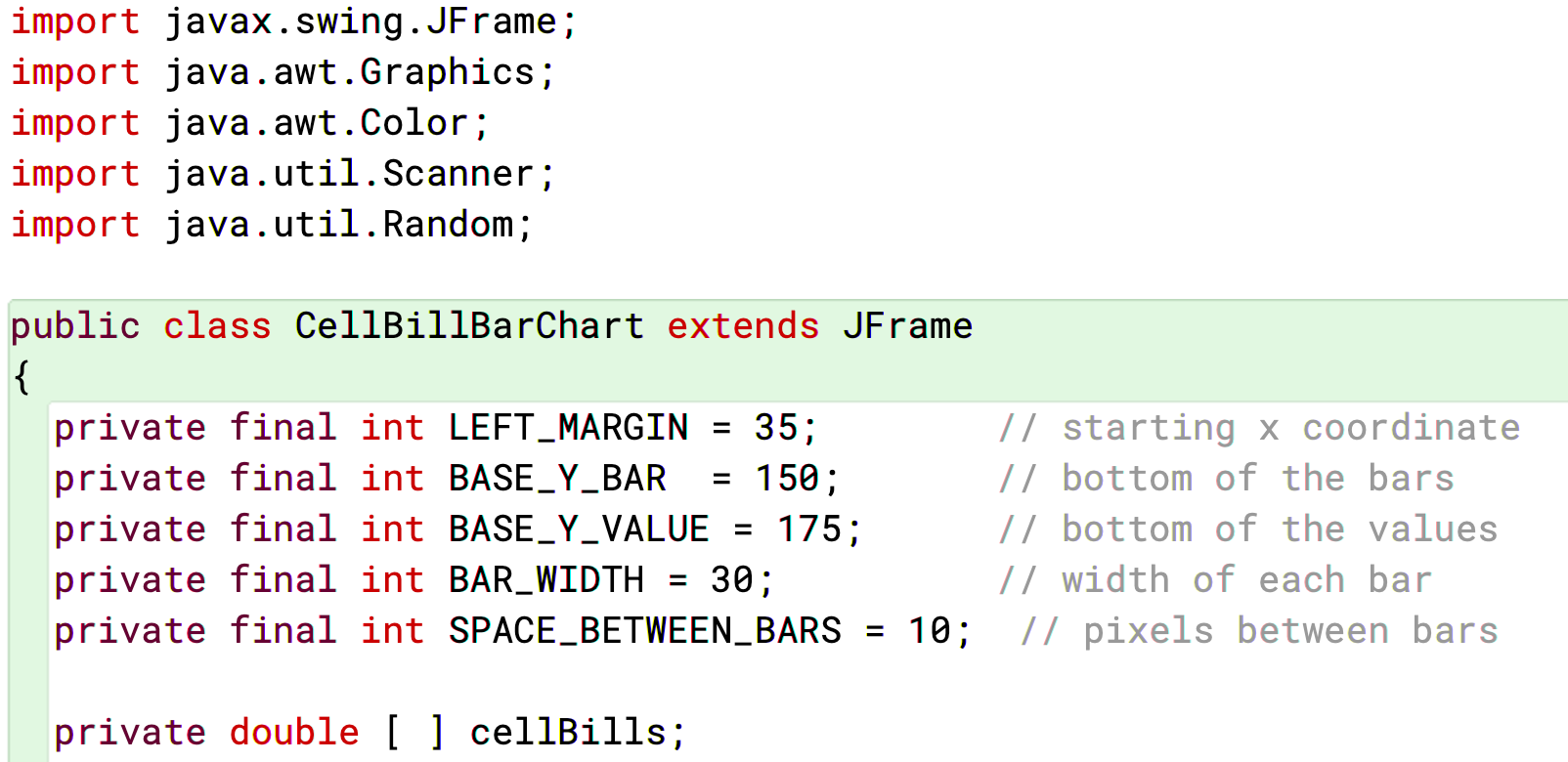
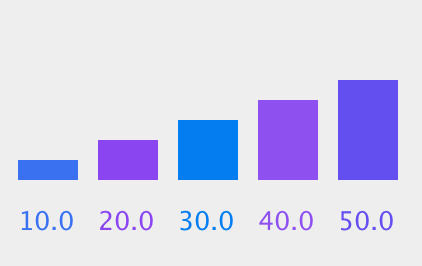
With these basic skill, we can do further expansions, like drawing a bar chart with rectangles and texts, while reading data from an array. A bar chart is basically composed of several rectangle with same bottom lines and width, but different height. To achieve this, we have to use a loop, with several integer variables predefined: the width of the boarder, the width of each bar, and the distance between every two bars. Because the size and position of a rectangle is defined by four variables (starting point at x-axis, starting point at y-axis, width and height), so its starting points at x and width can be defined by a loop that includes the number of bars, the boarder value, the distance and the width. Its height can be defined by the data in the array. Finally, to randomly change the color of each bar, we can use a random color generator within the loop, before each bar is drawn.

JFrame and Event Handler
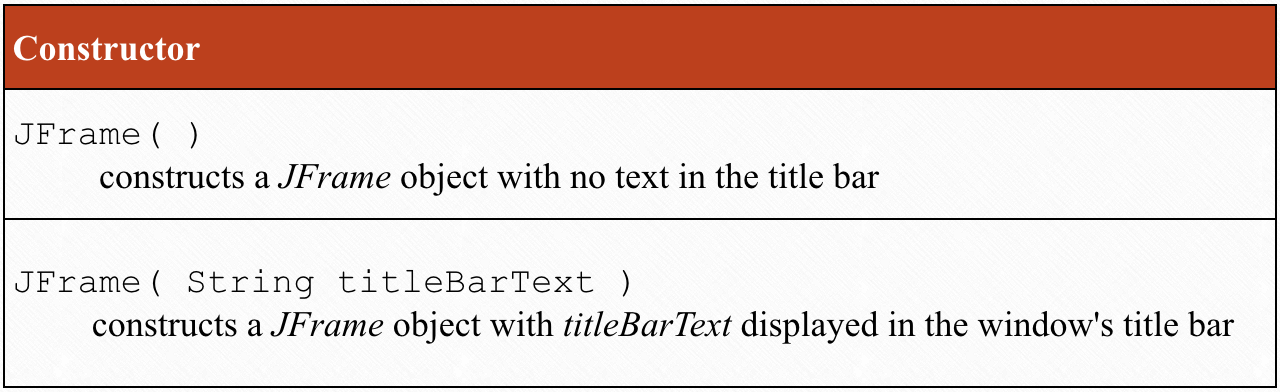
However, just displaying data and graphics on the interface is far not enough. Our final goal is to let the use really interact with the programs, like that usual applications do. In order to achieve functions like buttons and options, we learnt another important concept – JFrame. The JFrame class is in the javax.swing package, and it allows us to display windows. JFrame is inherited from: component, a graphical object that can be displayed; container, a component that holds other objects; window, a basic window; and frame, which is a framed window.
An event handler is the program to deal with the command when the user interact with the application. Unlike a procedural model of programming that we did in the past. An event handler as a private inner class: private class EventHandlerName implements ListenerName{}, and we will write the condition of the handler within the {}.
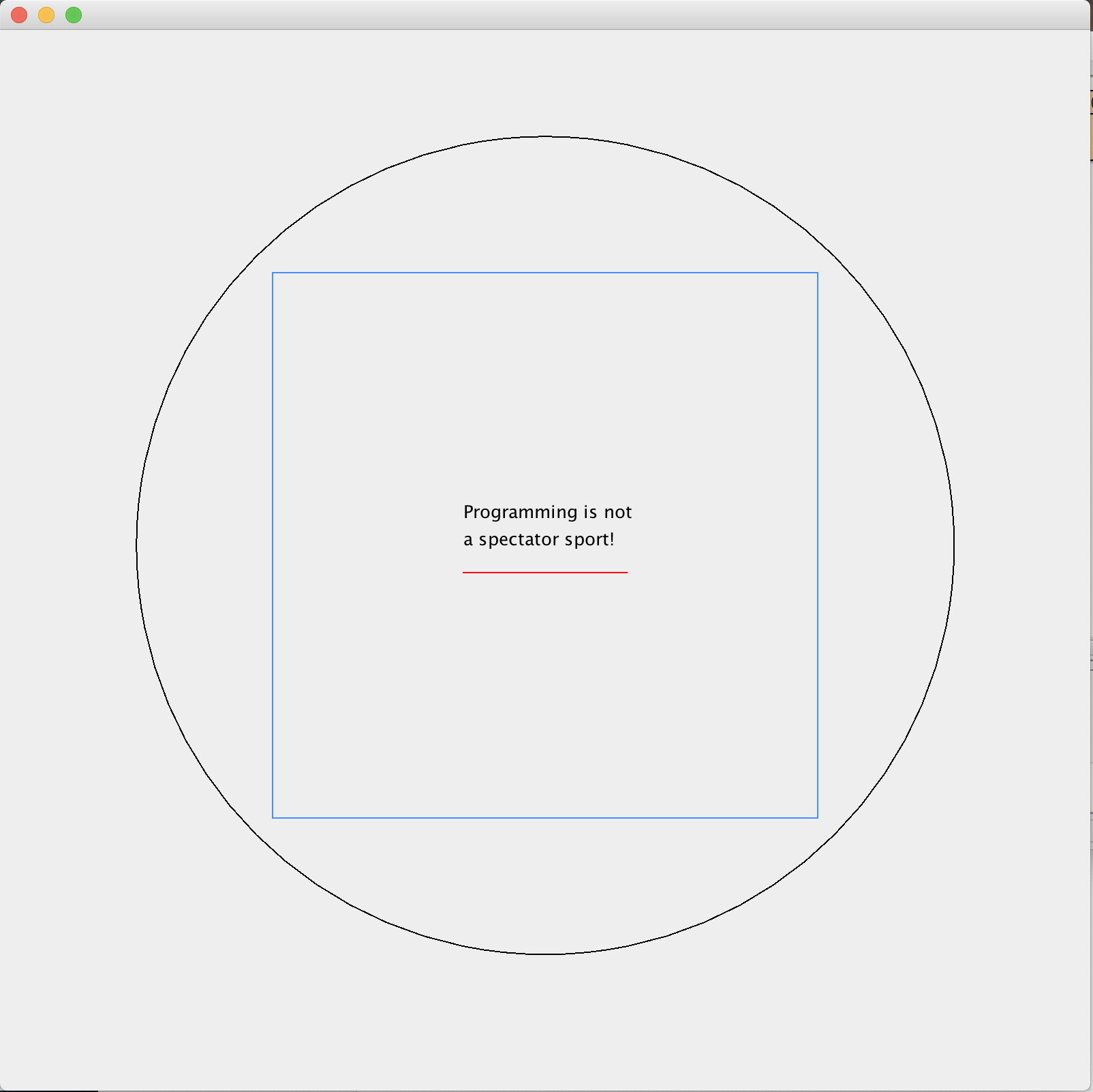
Exercie: Draw some elements
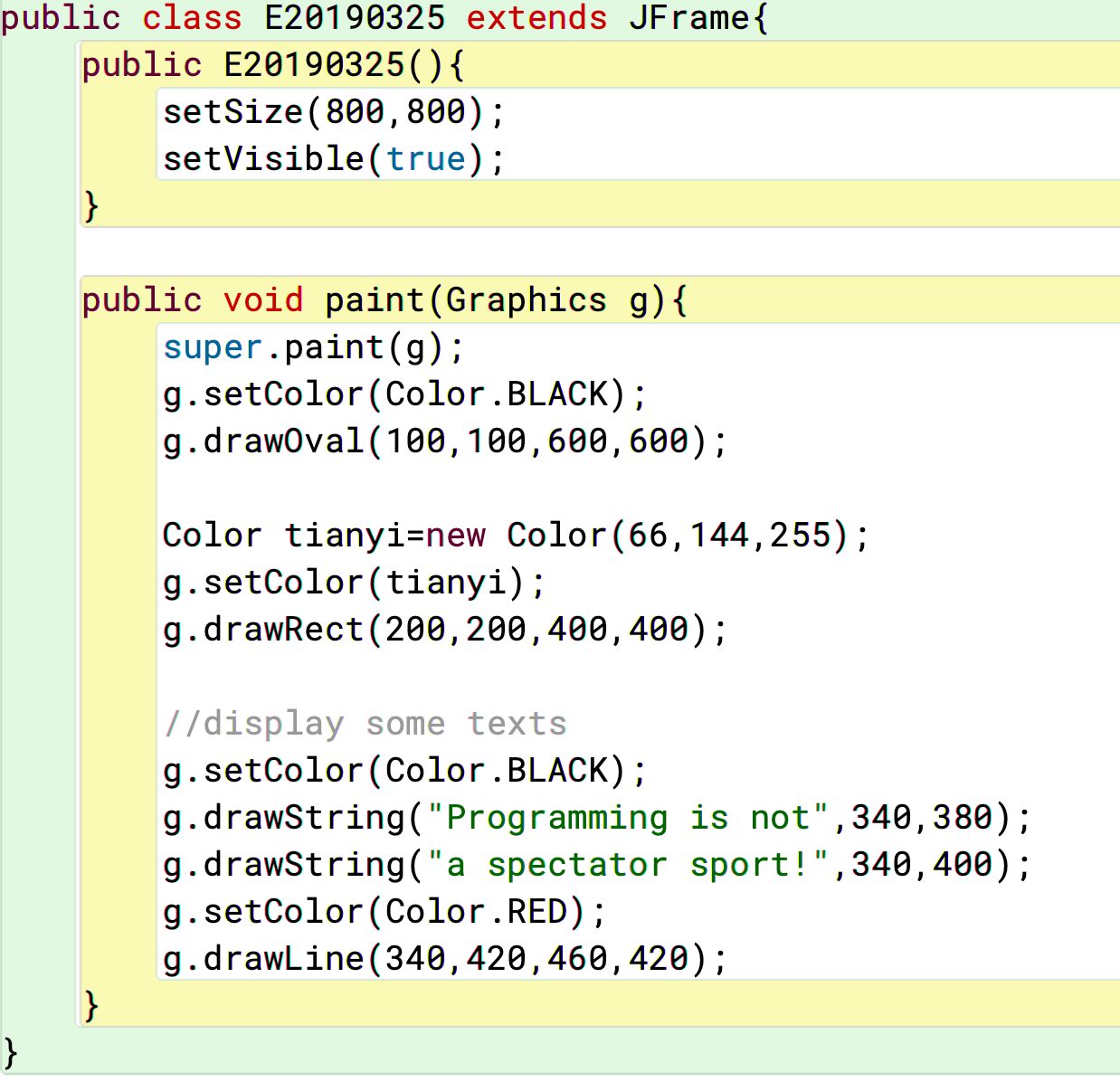
This task asks us to display some elements in a frame.
Conclusion
GUI is a important side of programming, due to its user-friendliness. We could only be a real qualified programmer if we have the skill of designing a good GUI program.
 JIHONG ZHAO